AI for your Mac mini
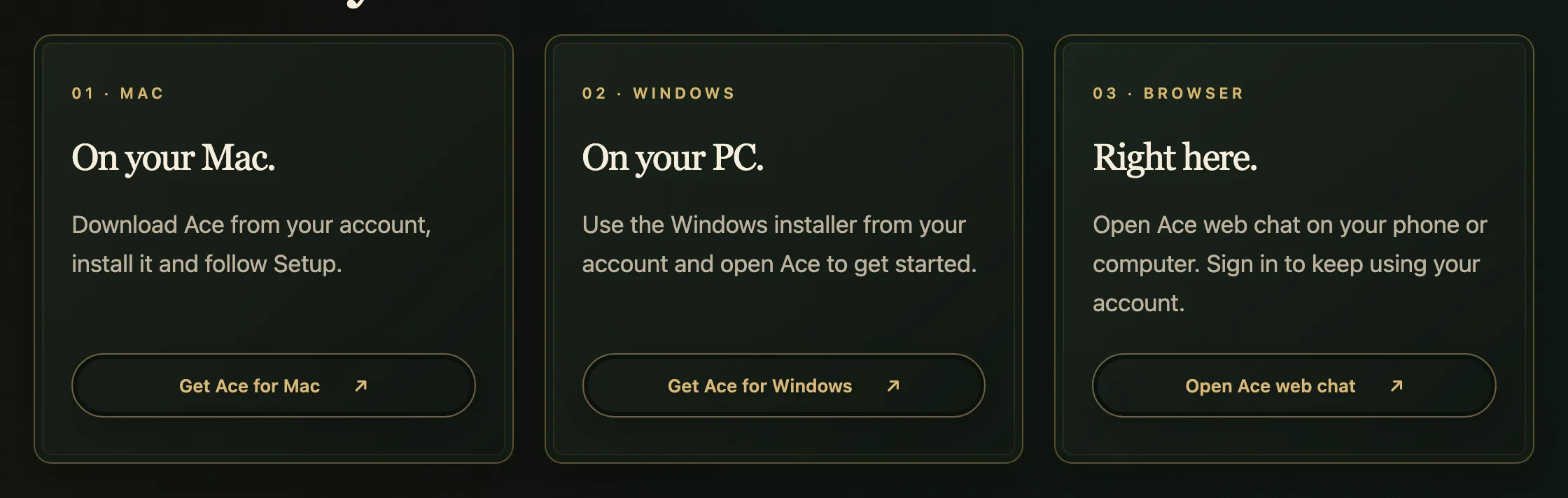
Any Mac mini that runs macOS 13 or later can use an AI assistant such as Ace, whether it has Apple silicon or an Intel processor. Apple’s tech specs for the current Mac mini list a built-in speaker and a headphone jack but no microphone, so to talk to an assistant you add one: a headset, a USB microphone, a webcam with a mic, or a display with microphones. Typing works without any of them.

Free Play: 2,000 credits, no card. Ace by Black Label.

Which Mac mini models work
Ace needs macOS 13 Ventura or later, on Apple silicon or Intel. Apple’s Ventura list includes the Intel Mac mini from 2018 and the Apple silicon models from the M1 Mac mini of 2020 on, and the current Mac mini comes with the M6 or the M5 Pro chip. Apple Intelligence needs one of the Apple silicon models. A Mac mini that cannot update past macOS 12 can still use Ace web chat in its browser.
Choose a microphone
| Microphone | Best for | Keep in mind |
|---|---|---|
| Headset with a boom or inline mic | Shared rooms, and keeping spoken answers private | Wired USB needs no pairing; Bluetooth works too |
| USB desk microphone | A quiet office or a home desk | Point it at yourself and keep it within arm’s reach |
| Webcam with a built-in mic | Video calls and the assistant on one device | It usually sits on top of the display, farther from your mouth |
| Display with microphones | A tidy desk; Apple’s Studio Display has a three-mic array | It only helps while that display is connected |
After you connect it, choose Apple menu > System Settings > Sound > Input and select the microphone in the list. Apple suggests lowering the input volume if the sound is distorted and raising it if you speak softly.
Hearing the answers
Ace answers out loud in its own voice. The Mac mini’s built-in speaker is fine in a room of your own; in a shared space, plug headphones into the 3.5 mm jack or use the headset you chose for the microphone. Pick where sound plays in System Settings > Sound > Output, and check it whenever you plug in a new headset.
Using a keyboard made for Windows
Ace’s Mac hotkey is Command + Shift, held while you talk. Keyboards made for Windows label their keys differently; Apple notes that Control and Command act on a Mac much as the Windows key does on a PC, and the positions vary from keyboard to keyboard.
- Find Command: press the key you suspect together with the Space bar. Command-Space opens Spotlight, so if Spotlight appears, you have found it.
- If the keys sit in awkward places, choose Apple menu > System Settings > Keyboard, click Keyboard Shortcuts, then Modifier Keys, and choose what each modifier key does. Restore Defaults puts everything back.
- Then hold Command + Shift, speak, and release.
iMac and Mac Studio
The iMac needs nothing extra. Apple lists a studio-quality three-mic array, a six-speaker system and a 12MP Center Stage camera on the current models, which use the M6 chip. Older iMac models work with Ace too, Intel ones included, as long as they run macOS 13 or later; Apple’s Ventura list starts with the 2017 iMac and the iMac Pro.
The Mac Studio is set up like a Mac mini. Apple’s specs for the current M5 Max and M5 Ultra models list a built-in speaker and a headphone jack but no microphone, so add one as described above. Every Mac Studio, from the first in 2022, uses Apple silicon.
Set up a voice assistant on a desktop Mac
The order matters more on a desktop than on a laptop, because the microphone has to exist before the assistant asks for it. Using Ace as the example:
- Connect the microphone and select it under System Settings > Sound > Input.
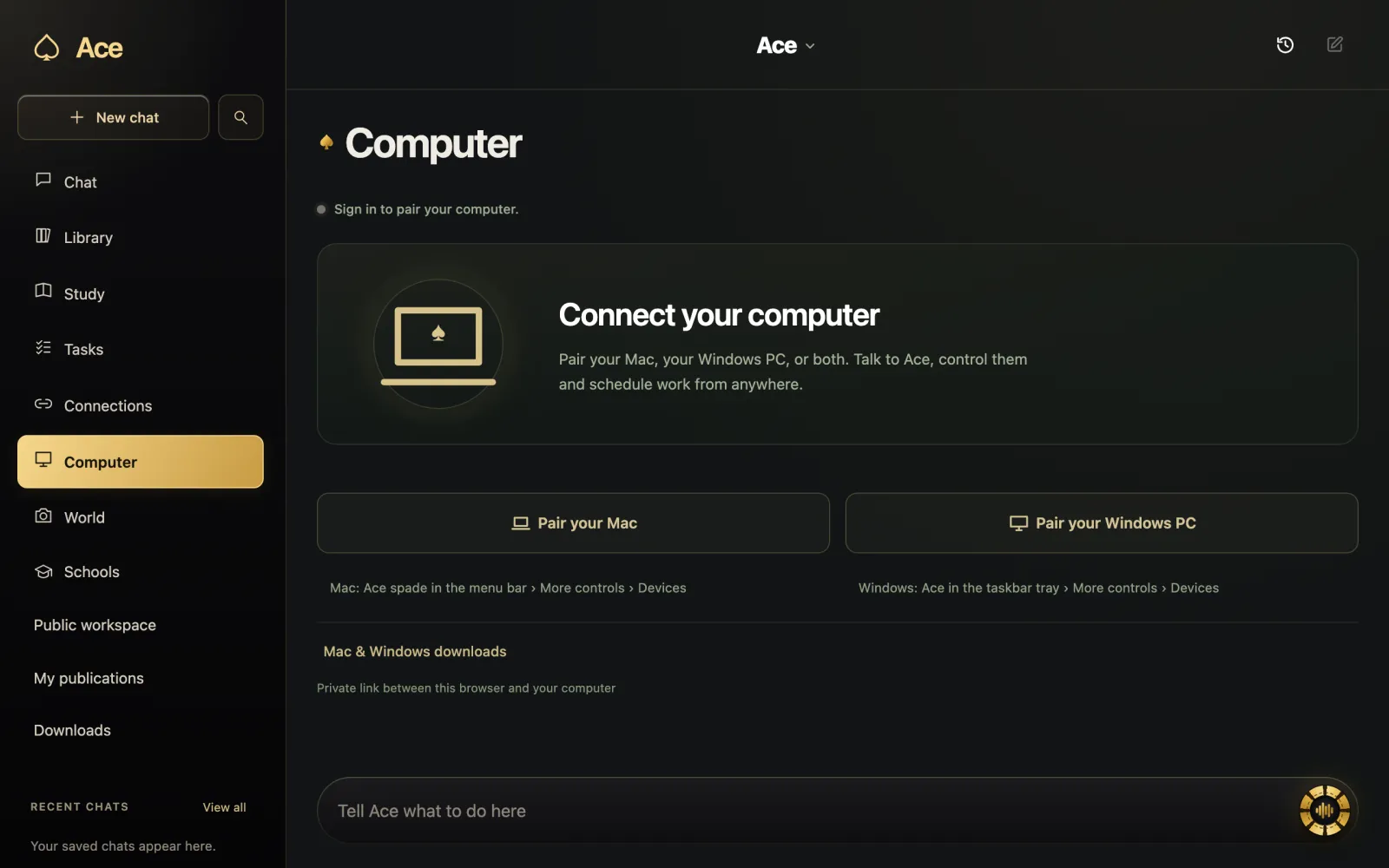
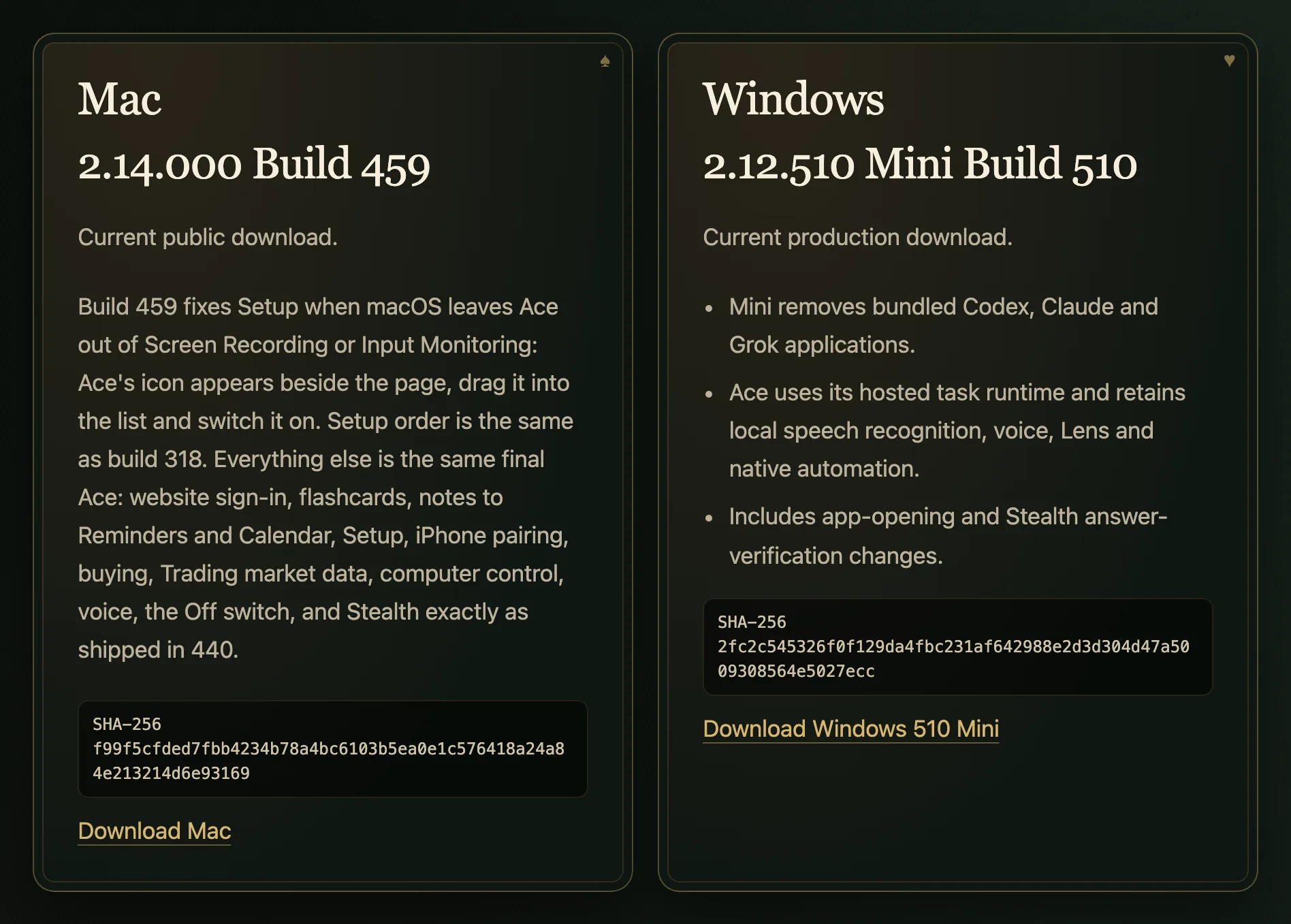
- Create a free Ace account, download Ace for Mac, move it to Applications and open it.
- In Setup, approve your account and allow the microphone when macOS asks. If you missed the prompt, switch the app on in System Settings > Privacy & Security > Microphone.
- Hold Command + Shift, say “Can you hear me?” and release. A spoken reply means the microphone and the speaker are both working.
If the assistant does not hear you
- Look at Sound > Input: a headset you just plugged in is not always the selected device.
- Check that the app is switched on in Privacy & Security > Microphone.
- Open Control Center; the recording indicator shows whether any app is using the microphone.
- With a hold-to-talk hotkey, keep both keys held for the whole question and release only when you have finished.
- Still nothing? Type the question instead. For Ace, email hello@tryacee.com with your Mac model and what happened.
More from Ace
The full overview of Ace for Mac is on tryacee.com/mac-ai-assistant.
Also asked
Does the Mac mini have a built-in microphone?
Apple’s tech specs for the current Mac mini list a built-in speaker and a 3.5 mm headphone jack, and no microphone. Plan to add one if you want to talk to an assistant.
Can I use an AI assistant on a Mac mini with no microphone at all?
Yes, by typing. Assistants that also accept typed questions, Ace among them, still answer, and screen questions work as long as you allowed screen access.
Does an iMac need an external microphone?
No. Current iMac models have a three-mic array built in.
Will AI apps run on an Intel Mac mini?
Ace will, on macOS 13 Ventura or later, which Apple lists for the 2018 Mac mini. Apple Intelligence will not, because it needs Apple silicon. Browser-based assistants work on any of them.
Which microphone should I pick for a Mac mini?
It depends on the room. A headset with a boom or inline mic suits shared rooms and keeps spoken answers private, and wired USB needs no pairing. A USB desk microphone fits a quiet office or a home desk. A webcam with a built-in mic covers video calls too, and a display with microphones, such as Apple’s Studio Display, keeps the desk tidy.
How do I set a USB microphone as the input on a Mac mini?
After you connect it, choose Apple menu > System Settings > Sound > Input and select the microphone in the list. Apple suggests lowering the input volume if the sound is distorted and raising it if you speak softly. Point a desk microphone at yourself and keep it within arm’s reach.
How do I find the Command key on a Windows keyboard?
Press the key you suspect together with the Space bar. Command-Space opens Spotlight, so if Spotlight appears, you have found it. Apple notes that Control and Command act on a Mac much as the Windows key does on a PC, and the positions vary from keyboard to keyboard. Ace’s Mac hotkey is Command + Shift.
Can I swap modifier keys on a Mac mini keyboard?
Yes. Choose Apple menu > System Settings > Keyboard, click Keyboard Shortcuts, then Modifier Keys, and choose what each modifier key does. Restore Defaults puts everything back. Once the keys sit where you want them, hold Command + Shift, speak, and release to talk to Ace.
How do I hear Ace’s spoken answers on a Mac mini?
Through the built-in speaker or headphones. Ace answers out loud in its own voice; the Mac mini’s speaker is fine in a room of your own, and in a shared space you can plug headphones into the 3.5 mm jack. Pick where sound plays in System Settings > Sound > Output, and check it whenever you plug in a new headset.
What should I set up first for voice AI on a Mac mini?
Microphone first, because it has to exist before the assistant asks for it. Connect it and select it under Sound > Input, then install Ace and open it. In Setup, approve your account and allow the microphone when macOS asks. Then hold Command + Shift, say “Can you hear me?” and release; a spoken reply means the microphone and speaker both work.
Why can’t Ace hear me on my Mac mini?
Check the input device first: a headset you just plugged in is not always the selected one under Sound > Input. Then confirm Ace is switched on in Privacy & Security > Microphone, and keep both keys held for the whole question. Still nothing? Type the question instead, and email hello@tryacee.com with your Mac model and what happened.
Is a Mac Studio set up for voice AI like a Mac mini?
Yes. Apple’s specs for the current M5 Max and M5 Ultra models list a built-in speaker and a headphone jack but no microphone, so you add one as on a Mac mini. Every Mac Studio, from the first in 2022, uses Apple silicon, and Ace runs on any Mac with macOS 13 or later.
Can an older Intel iMac run Ace?
Yes, as long as it runs macOS 13 or later; Apple’s Ventura list starts with the 2017 iMac and the iMac Pro. If Software Update offers nothing newer than macOS 12, the Ace Mac app will not install there, but Ace web chat in the browser still works and signs in to the same account and balance.
More questions
Deal yourself in.
More about Ace
Sources
- Mac mini - Technical Specifications - Apple, Apple. Checked November 14, 2026.
- iMac - Technical Specifications - Apple, Apple. Checked November 14, 2026.
- Mac Studio - Technical Specifications - Apple, Apple. Checked November 14, 2026.