How to delete Ace from your Mac
Quit Ace from its menu bar icon, drag Ace from Applications to the Trash and empty the Trash. Then switch it off in each Privacy & Security list where it appears. Deleting the app does not cancel a plan or close your account: manage subscriptions in your Ace account, or in iPhone Settings if you bought in the iPhone app, and email privacy@tryacee.com to ask for deletion.

Free Play: 2,000 credits, no card. Ace by Black Label.

Before you delete it
Save what you want to keep first. Apple notes that deleting an app does not remove documents you created with it, so notes you saved stay where they were saved; the Open Folder button in Ace’s notes window shows where that is. Note which plan you are on as well, because the app is not where plans are canceled.
Remove the app
- Quit Ace from its icon in the menu bar. If it will not quit, choose Apple menu > Force Quit, select Ace and click Force Quit.
- In the Finder, click Applications in the sidebar.
- Drag Ace to the Trash, or select it and choose File > Move to Trash. Enter an administrator name and password if macOS asks for them.
- Choose Finder > Empty Trash to remove it for good and free the space. Until you do, selecting it in the Trash and choosing File > Put Back restores it.
Apple recommends an app’s own uninstaller where one exists, because it also removes login items and extensions. Without one, the next three steps cover what dragging to the Trash leaves behind. If macOS says the app is in use, quit it, or restart the Mac and try again.
Switch it off in Privacy & Security
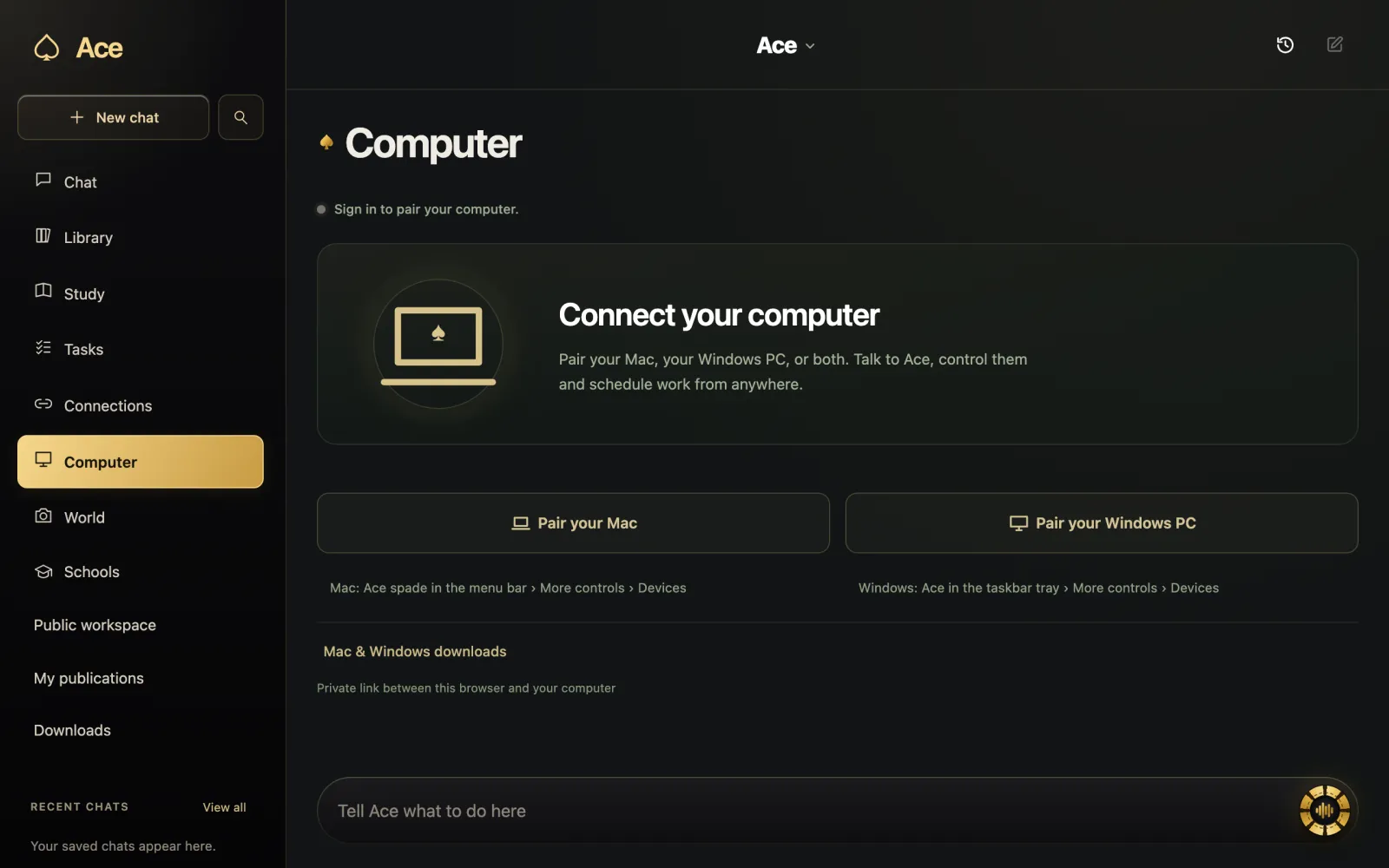
Removing the app does not tidy macOS’s permission lists. Open Apple menu > System Settings > Privacy & Security and look for Ace in Microphone, Screen & System Audio Recording, Input Monitoring, Accessibility and Files & Folders. Turn its switch off in each list, or select it and click the remove button below the list where macOS offers one.
Login items and background activity
Open Apple menu > System Settings > General > Login Items & Extensions. If Ace appears under Open at Login, select it and click the Remove button. Under App Background Activity, switch off anything that belongs to Ace.
Leftover settings files, for a clean slate
Many Mac apps keep settings and caches in your user Library folder. In the Finder, choose Go > Go to Folder, type ~/Library/Application Support and press Return, then look for a folder clearly named for Ace. Do the same in ~/Library/Caches and ~/Library/Preferences. Delete only items you are sure belong to Ace, and leave anything you do not recognize where it is.
Your plan, balance and account
- Subscriptions bought on tryacee.com renew monthly or annually until you cancel them in your Ace account.
- Purchases made in Ace BL on an iPhone are handled by Apple: open iPhone Settings, tap your name, then Subscriptions. Refund requests go through reportaproblem.apple.com.
- Starter and Reload top-ups are one-time purchases and never renew.
- To ask for your account data to be deleted, email privacy@tryacee.com. Ace may verify that the account is yours, and some transaction, security or legal records may have to be kept. Deleting your account deletes saved schedules within 7 days.
Want a break instead?
You do not have to delete Ace to stop it. Quit it from the menu bar, remove it from Open at Login if it is listed there, or switch off its microphone and screen permissions. Coming back later is a fresh download from your account: sign in with the same Google account or email, and your account and balance are still there unless you asked for them to be deleted.
More from Ace
The full overview of Ace for Mac is on tryacee.com/mac-ai-assistant.
Also asked
Does deleting Ace cancel my subscription?
No. Apple notes that deleting an app does not cancel subscriptions. Cancel in your Ace account, or in iPhone Settings for purchases made in Ace BL.
Will deleting Ace remove my saved notes?
No. Documents you created stay where you saved them until you delete them yourself.
What if macOS says Ace is in use and will not move it to the Trash?
Quit Ace first. If that does not work, restart the Mac, or start it up in Safe Mode, and try again, which is Apple’s advice for any app.
Can I reinstall Ace later?
Yes. Sign in with the same Google account or email and download Ace for Mac again from your account.
How do I force quit Ace before deleting it?
Quit Ace from its icon in the menu bar first. If it will not quit, choose Apple menu > Force Quit, select Ace and click Force Quit. Then click Applications in the Finder sidebar and drag Ace to the Trash, or select it and choose File > Move to Trash.
Can I get Ace back after moving it to the Trash?
Yes, until you empty the Trash. Select Ace in the Trash and choose File > Put Back to restore it. Choosing Finder > Empty Trash removes it for good and frees the space. When you move Ace to the Trash, enter an administrator name and password if macOS asks for them.
How do I stop Ace from opening at login?
Open Apple menu > System Settings > General > Login Items & Extensions. If Ace appears under Open at Login, select it and click the Remove button. Under App Background Activity, switch off anything that belongs to Ace. Apple recommends an app’s own uninstaller where one exists, because it also removes login items and extensions.
Does deleting Ace remove it from Privacy & Security?
No. Removing the app does not tidy macOS’s permission lists. Open Apple menu > System Settings > Privacy & Security and look for Ace in Microphone, Screen & System Audio Recording, Input Monitoring, Accessibility and Files & Folders. Turn its switch off in each list, or select it and click the remove button where macOS offers one.
How do I find leftover Ace files after uninstalling it?
Check your user Library folder, where many Mac apps keep settings and caches. In the Finder, choose Go > Go to Folder, type ~/Library/Application Support and press Return, then look for a folder clearly named for Ace. Do the same in ~/Library/Caches and ~/Library/Preferences, and delete only items you are sure belong to Ace.
How do I cancel an Ace plan I bought on tryacee.com?
Choose Cancel at period end in your Ace account. Ace records it directly with Stripe, it stops future renewals, and it takes effect at the end of the period you already paid for; no reason is required. If the account path is unavailable, a prefilled cancellation email works, and Ace sends written confirmation.
What happens to my Ace credits if I delete the app?
They stay with your account. Deleting the app does not cancel a plan or close your account, and if you come back later, your account and balance are still there unless you asked for them to be deleted. Starter and Reload top-ups are one-time purchases and never renew, so there is nothing to cancel for them.
How do I delete my Ace account data, not just the app?
Email privacy@tryacee.com to ask for your account data to be deleted. Ace may verify that the account is yours, and some transaction, security or legal records may have to be kept. Deleting your account deletes saved schedules within 7 days. Removing the Mac app alone does not close your account.
Will I get a refund if I delete Ace partway through a month?
Not for deleting it. For a plan bought on tryacee.com, cancelling stops future charges but does not by itself refund a charge already taken, and a paid month is not refunded for a change of mind or a missed cancellation. A verified material Ace defect that support cannot repair is refunded. Ace BL refund requests on an iPhone go through reportaproblem.apple.com.
More questions
Deal yourself in.
More about Ace
Sources
- Delete or uninstall apps on Mac - Apple Support, Apple Support. Checked November 14, 2026.