Does a Mac have AI like Copilot?
Yes. Macs with Apple silicon have Apple Intelligence built in, including Writing Tools and, on macOS 27, a beta Siri AI that can answer questions about what is on your screen. Microsoft also makes a Copilot app for Mac, and ChatGPT, Gemini and Claude have Mac apps too. A menu bar assistant such as Ace adds spoken answers on any Mac with macOS 13 or later, Intel models too, with the same account on Windows.

Free Play: 2,000 credits, no card. Ace by Black Label.

What Apple builds into a Mac
Apple Intelligence is part of macOS on Macs with an M1 chip or later and on the MacBook Neo, which uses Apple’s A18 Pro chip. Apple’s current setup page describes the generation that arrived with macOS 27 Golden Gate: it becomes available with the update on eligible Macs, provided the Mac’s language and the Siri language match one of 16 supported languages. Its models take up to 8 GB of storage, or up to 14 GB on Macs with M3 or later and at least 12GB of unified memory.
- Writing Tools: select text in almost any place you write, third-party apps and websites included, Control-click it and choose Writing Tools to rewrite in a Friendly, Professional or Concise tone, proofread, summarize or list the key points.
- Siri AI (Beta): a conversational Siri with personal context, onscreen awareness and broad world knowledge.
- Photos tools such as Clean Up, which removes distracting objects, plus Image Playground and Genmoji.
- A ChatGPT extension you switch on in Siri settings, with or without signing in to a ChatGPT account.
Apple says features that rely on its server-side models, Siri AI and Image Playground among them, have daily usage limits, and that expanded access will be available for a fee in the future.

Siri on macOS 27: asking about your screen
Siri AI is a beta. Turn it on in System Settings > Siri with Try Siri AI (Beta); Use Siri Classic takes you back to the previous version. It starts in English, French, Japanese, Korean, Portuguese and Spanish, and it is not available to anyone under 13.
- Press and hold the Microphone key, or click Siri in the menu bar, and ask about what is in front of you, for example a diagram open in Notes.
- Or select something, Control-click it and choose Ask Siri. In the Finder you can select two documents and ask Siri to compare them.
- Or press Command-Shift-Space bar to pick a window, or Command-Shift-6 to drag across part of the screen, then ask about the capture in the Ask Siri field.
Screen Time settings control which Siri features and content Siri can use, and Apple notes that Siri needs an internet connection.
Other AI apps that run on a Mac
This guide is written by the team that makes Ace. Everything below about other products comes from their makers’ own pages as we read them on October 28, 2026. Prices and features change often, so check those pages before you decide.
| App | What the maker lists for Mac | Cost, as published | Worth knowing |
|---|---|---|---|
| Microsoft Copilot | macOS Sonoma 14 or later | Not stated on the download page | Also on Windows, iPhone, Android and the web; Microsoft describes Cowork for multi-step projects |
| ChatGPT desktop app | Requirements on OpenAI’s download and help pages | Available on every ChatGPT plan, Free included | OpenAI lists voice in the desktop app on Plus, Pro, Business, Edu and Enterprise |
| Gemini for desktop | macOS Sequoia 15.0 or later on Apple silicon, 8 GB of memory | Selected features need a Google AI subscription | Option + Space opens a mini chat, and you can share a window |
| Claude desktop app | Requirements on Anthropic’s help center | Free to use on every plan; some features need a paid one | Desktop extensions connect it to local tools and files |
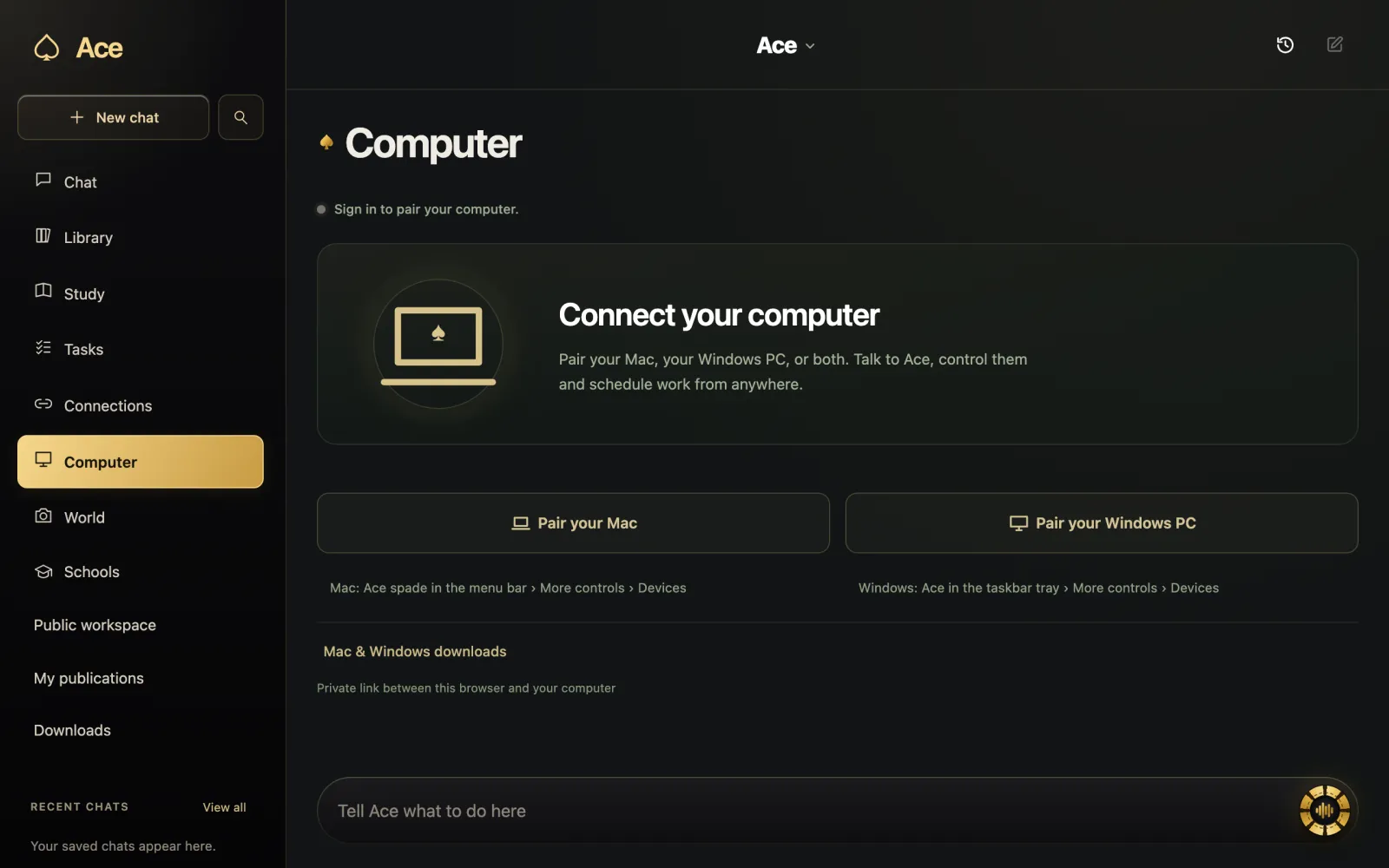
| Ace | macOS 13 or later, on Apple silicon or Intel | Free Play: 2,000 credits, no card | Hold Command + Shift, talk, and hear the answer |
Where an assistant app differs from Apple’s features
Apple Intelligence is the natural first stop: it is already on supported Macs, it works inside Apple’s own apps and it costs nothing extra today. A separate assistant earns its place when you need something Apple’s features leave out:
- An older macOS. Siri AI needs macOS 27; Ace runs on macOS 13 Ventura and every later version.
- An Intel Mac. Apple Intelligence needs Apple silicon, while Ace runs on Intel Macs with macOS 13 or later.
- The same assistant on a Windows PC, a Linux machine or a phone, signed in to one account.
- Spoken answers to spoken questions while you keep typing in another app.
- Notes, key points and flashcards from a class or a meeting you listened to.
- A choice of the AI behind it: Ace’s hosted AI, or your own ChatGPT, Claude or Grok subscription on the Table Pass and Private Table plans.
What you can use free on a Mac
Apple Intelligence comes with macOS on supported Macs, inside Apple’s daily limits on server-side features. Anthropic says Claude’s desktop app is free to use on every plan, Free included. OpenAI says its desktop app is available on every ChatGPT plan, including Free. Google says selected Gemini desktop features need a Google AI subscription. Ace’s Free Play plan gives you 2,000 credits without a card; after that, one-time top-ups start at $10 and monthly plans at $20.
The limits work differently. Apple and the chat apps cap how much you can use in a period, while Ace spends credits per request, and the amount depends on the request, the model and the service.
Choosing, plainly
- You mostly rewrite and proofread in a supported language: start with Writing Tools.
- You run macOS 27 and want to ask about what is on screen: try Siri AI (Beta) first, since it is built in.
- Your work lives in Word, Excel, Outlook and Teams: Microsoft’s Copilot app connects to them.
- You already pay for ChatGPT, Gemini or Claude: its own Mac app keeps your history in one place.
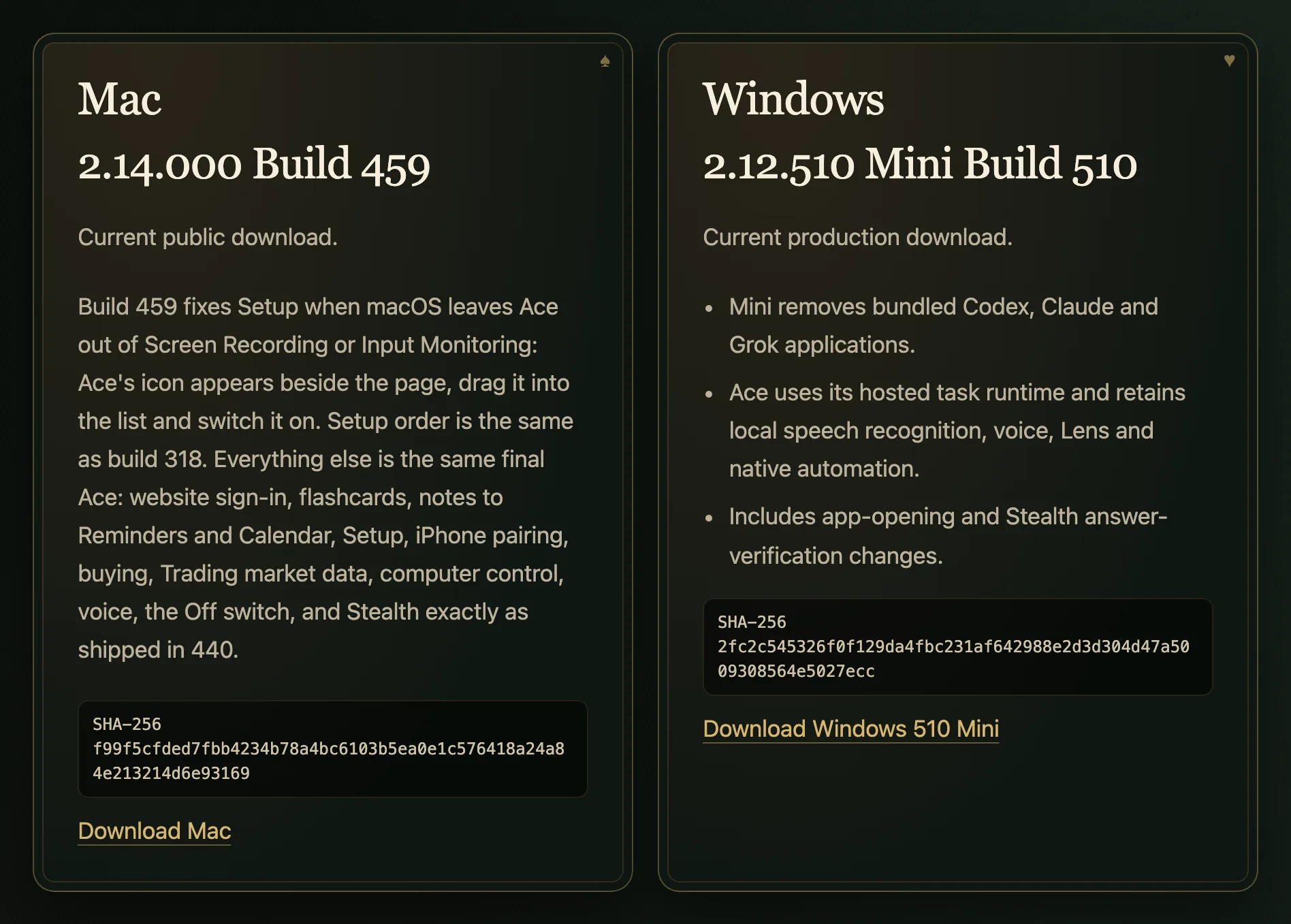
- You want to talk and hear the answer beside any app, on macOS 13 or later, with one account on Windows, Linux and your phone: Ace.
Nothing stops you from keeping Apple’s features switched on and running a separate assistant as well; they are independent of each other.
More from Ace
The full overview of Ace for Mac is on tryacee.com/mac-ai-assistant.
Also asked
Is Apple Intelligence free?
It is included with macOS on supported Macs. Apple says server-side features such as Siri AI and Image Playground have daily usage limits, and that expanded access will be available for a fee in the future.
Does Apple Intelligence run on Intel Macs?
No. Apple lists Macs with M1 or later and the MacBook Neo with A18 Pro. Third-party assistants can fill the gap: Ace runs on Intel Macs with macOS 13 or later.
Can Siri answer questions about my screen on a Mac?
With Siri AI (Beta) on macOS 27, yes: ask about what is on screen, use Ask Siri on a selection, or capture part of the screen with Command-Shift-6 and ask about it.
Is there an official Copilot app for Mac?
Yes. Microsoft’s download page offers a Mac app that requires macOS Sonoma 14 or later.
What is Apple's version of Copilot?
Apple Intelligence. Macs with Apple silicon have it built in, including Writing Tools and, on macOS 27, a beta Siri AI that can answer questions about what is on your screen. Microsoft also makes a Copilot app for Mac.
How much storage do Apple Intelligence models take on a Mac?
Up to 8 GB, Apple says, or up to 14 GB on Macs with M3 or later and at least 12GB of unified memory. Apple Intelligence keeps those models on the Mac, and some features also call on Apple’s servers. It is part of macOS on Macs with an M1 chip or later and on the MacBook Neo, which uses Apple’s A18 Pro chip.
How do I switch on the new Siri AI on a Mac running macOS 27?
Open System Settings > Siri and choose Try Siri AI (Beta); Use Siri Classic takes you back to the previous version. Siri AI starts in English, French, Japanese, Korean, Portuguese and Spanish, and it is not available to anyone under 13. Screen Time settings control which Siri features and content it can use, and Siri needs an internet connection.
Does Copilot work on the MacBook Neo?
Microsoft lists macOS Sonoma 14 or later for its Copilot Mac app, and Apple lists the MacBook Neo, with its A18 Pro chip, among the Macs that run macOS 27. Prices and features change often, so check Microsoft’s page before you decide. The MacBook Neo also gets Apple Intelligence, and Ace runs on it as on any Mac with macOS 13 or later.
Is ChatGPT built into a Mac?
Yes, as an extension. Apple builds a ChatGPT extension into the Mac that you switch on in Siri settings, with or without signing in to a ChatGPT account. By default it asks before it shares anything with OpenAI, and if you do not sign in, your IP address is obscured. OpenAI also makes a ChatGPT desktop app, available on every ChatGPT plan, Free included.
How do free limits compare between Apple Intelligence and Ace?
They work differently. Apple and the chat apps cap how much you can use in a period, while Ace spends credits per request, and the amount depends on the request, the model and the service. Ace’s Free Play plan gives you 2,000 credits without a card; after that, one-time top-ups start at $10 and monthly plans at $20.
Can I keep Apple Intelligence on and use another assistant too?
Yes. Nothing stops you from keeping Apple’s features switched on and running a separate assistant as well; they are independent of each other. Apple Intelligence is already on supported Macs, while Ace waits in the menu bar until you hold Command + Shift and answers out loud beside any app on macOS 13 or later.
Which Mac AI app suits work in Word, Excel and Outlook?
Microsoft’s Copilot app, since it connects to Word, Excel, Outlook and Teams. If you mostly rewrite and proofread in a supported language, start with Writing Tools. If you already pay for ChatGPT, Gemini or Claude, its own Mac app keeps your history in one place.
What can Apple’s Writing Tools do on a Mac?
Select text in almost any place you write, third-party apps and websites included, Control-click it and choose Writing Tools. You can rewrite in a Friendly, Professional or Concise tone, proofread, summarize or list the key points. Writing Tools is an Apple Intelligence feature, so it needs a supported Mac and language.
Is the Claude desktop app free on a Mac?
Yes, according to Anthropic: Claude’s desktop app is free to use on every plan, Free included, though some features need a paid one. Desktop extensions connect it to local tools and files. Anthropic publishes the Mac requirements on its help center, so check them there, because they change with new releases.
More questions
Deal yourself in.
More about Ace
Sources
- Download Microsoft Copilot App on Windows, Mac, Android & iOS, Microsoft. Checked November 14, 2026.
- How to get Siri AI - Apple Support, Apple Support. Checked November 14, 2026.
- Get started with the next generation of Apple Intelligence - Apple Support, Apple Support. Checked November 14, 2026.