How to use AI on your MacBook
Start with what macOS already has. Select text, Control-click it and choose Writing Tools to rewrite or proofread; press and hold the Microphone key to ask Siri; press and release it to dictate. For an assistant that answers out loud and can look at the app you are in, add one that lives in the menu bar. With Ace you hold Command + Shift, ask, and release.

Free Play: 2,000 credits, no card. Ace by Black Label.

The built-in options and how to start them
| Feature | How to start it | Good for |
|---|---|---|
| Writing Tools | Select text, Control-click, then Writing Tools > Show Writing Tools | Rewriting in a Friendly, Professional or Concise tone, proofreading, a summary or key points |
| Siri | Press and hold the Microphone key, or click Siri in the menu bar | Quick questions and requests; on macOS 27, Siri AI (Beta) can answer about what is on screen |
| Dictation | Press and release the Microphone key, or choose Edit > Start Dictation | Typing by voice in any text field |
| Compose with ChatGPT | Control-click in a text field, choose Show Writing Tools, then Compose | A first draft from a short description, once the ChatGPT extension is on |
Writing Tools and Siri AI are Apple Intelligence features, so they need a supported Mac and language. Dictation is switched on in System Settings > Keyboard > Dictation, and Apple notes that Siri needs an internet connection.

Five MacBook tasks, step by step
In each task, the first method is built into macOS; the second is the hold-to-talk assistant described above.
Understand a dense PDF in Preview
Select the paragraph that loses you. For a quick version, Control-click and choose Writing Tools, then Summarize. To have it explained instead, hold Command + Shift and say “explain the part I highlighted, with one example.” The assistant needs screen access to see the page.
Fix the tone of an email in Mail
Select your draft and choose Writing Tools, then Rewrite with the Professional tone. Or hold the keys and say “make this clearer, but keep my meaning,” read what comes back, and paste in the parts you like.
Make sense of a setting
With Siri AI on macOS 27, press Command-Shift-Space bar to pick the System Settings window and ask Siri what a setting does. Or hold the keys and ask: “This setting looks wrong. What should it be?”
Answer a message in Gmail in Safari
Writing Tools can proofread a reply you have typed. To start from nothing, open the thread and ask for “a short, polite reply saying Friday works,” then read the draft before it goes anywhere.
Turn a lesson into notes
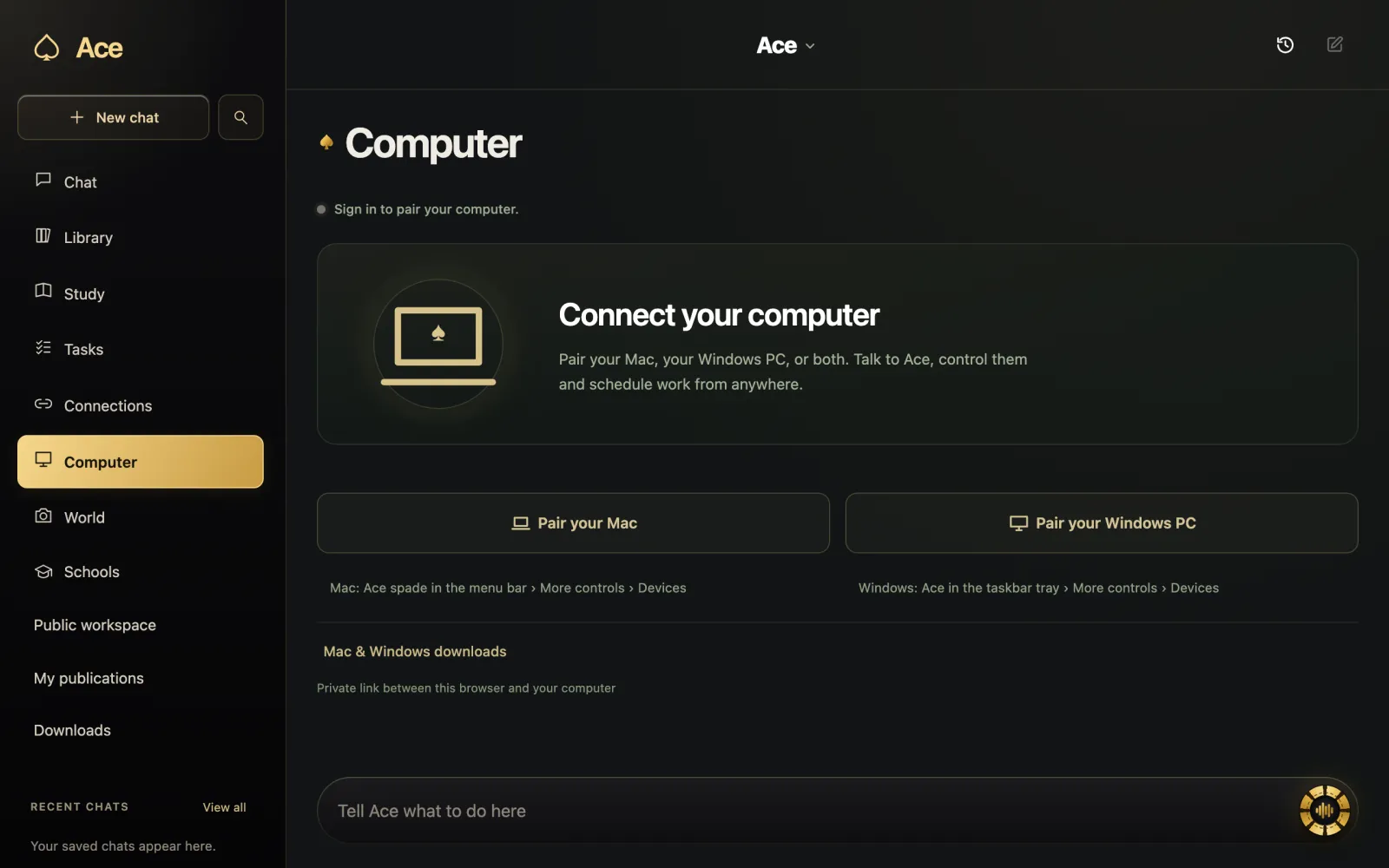
Allow the microphone, ask for notes on the lesson and a set of flashcards, then open the saved notes and check them against the source. Ace’s Mac release notes also list sending notes to Reminders and Calendar.
Shortcuts worth remembering
- Command-Space bar: Spotlight. With Siri AI on macOS 27 it also takes questions for Siri.
- Microphone key: press and hold for Siri, press and release for Dictation.
- Command-Shift-6: select part of the screen and ask Siri AI about it (macOS 27).
- Command + Shift, held down: talk to Ace; let go to hear the answer.
- Control-click on selected text: Writing Tools, plus Ask Siri when Siri AI is on.
Where your words go
Each tool sends your request somewhere different, which matters for work you would rather keep close. Apple Intelligence uses models on the Mac and, for some features, Apple’s servers, within daily limits. By default, the ChatGPT extension asks before it shares anything with OpenAI, and if you do not sign in, your IP address is obscured. Ace sends the request you make, with the context you give it, to the AI that answers: Ace’s hosted AI, or your own ChatGPT, Claude or Grok subscription on Table Pass and Private Table. Your files, recordings and saved work are handled on the MacBook itself.
Check before you rely on an answer
Every one of these tools can be confidently wrong. Ace’s terms say so plainly: the language model behind it can be wrong, incomplete or confidently mistaken, and you are responsible for reviewing a result before you send it, file it or act on it. Check names, numbers, dates and quotations against the source, especially in schoolwork and in anything that goes to other people.
More from Ace
The full overview of Ace for Mac is on tryacee.com/mac-ai-assistant.
Also asked
Is there a keyboard shortcut for AI on a MacBook?
Press and hold the Microphone key for Siri, or with Siri AI on macOS 27 press Command-Space bar to ask Siri in Spotlight. Ace has its own: hold Command + Shift.
Can I use AI on a MacBook without Apple Intelligence?
Yes. Third-party assistants set their own requirements. Ace runs on macOS 13 or later on Apple silicon and Intel MacBooks, including macOS versions older than the current Apple Intelligence features.
Does AI on a MacBook need an internet connection?
Siri does, according to Apple, and so does Ace, whose AI is hosted. For Dictation, Keyboard settings show whether general text dictation is processed on the Mac.
Does Writing Tools work in every app?
Apple says it is available in most places you write, including third-party apps and websites. Select the text and Control-click it to find it.
How do I use AI on macOS?
Start with what macOS already has. On a Mac and language that support Apple Intelligence, select text, Control-click it and choose Writing Tools to rewrite or proofread. Press and hold the Microphone key to ask Siri, or press and release it to dictate. For spoken answers about the app you are in, add a menu bar assistant: with Ace you hold Command + Shift, ask, and release.
How do I dictate text on a Mac instead of typing?
Press and release the Microphone key, or choose Edit > Start Dictation, to type by voice in any text field. Dictation is switched on in System Settings > Keyboard > Dictation, and Keyboard settings show whether general text dictation is processed on the Mac. Pressing and holding the same key asks Siri instead.
How can AI help me understand a dense PDF in Preview?
Select the paragraph that loses you. For a quick version, Control-click and choose Writing Tools, then Summarize. To have it explained instead, hold Command + Shift and ask Ace to explain the part you highlighted, with one example. The assistant needs screen access to see the page.
Can AI write a first draft of an email on my MacBook?
Yes. With the ChatGPT extension on, Control-click in a text field, choose Show Writing Tools, then Compose, and describe what you want. With a hold-to-talk assistant such as Ace, open the thread and ask for something like a short, polite reply saying Friday works, then read the draft before it goes anywhere.
How do I fix the tone of an email with AI on a Mac?
Select your draft in Mail and choose Writing Tools, then Rewrite with the Professional tone. Or hold Command + Shift and ask Ace to make it clearer but keep your meaning, read what comes back, and paste in the parts you like. Read names, dates, prices and attachments yourself before you send it.
Can AI send my lecture notes to Reminders and Calendar on a Mac?
Yes, with Ace: its Mac release notes list sending notes to Reminders and Calendar. To make the notes, allow the microphone, ask Ace for notes on the lesson and a set of flashcards, then open the saved notes and check them against the source.
Where do my words go when I use AI on a MacBook?
It depends on the tool. Apple Intelligence uses models on the Mac and, for some features, Apple’s servers, within daily limits. Ace sends the request you make, with the context you give it, to Ace’s hosted AI or your own ChatGPT, Claude or Grok subscription on Table Pass and Private Table. Your files, recordings and saved work are handled on the MacBook itself.
Should I double-check what AI tells me on a Mac?
Yes. Every one of these tools can be confidently wrong. Ace’s terms say the language model behind it can be wrong, incomplete or confidently mistaken, and you are responsible for reviewing a result before you send it, file it or act on it. Check names, numbers, dates and quotations against the source, especially in schoolwork.
How do I ask AI what a System Settings option does on a Mac?
With Siri AI on macOS 27, press Command-Shift-Space bar to pick the System Settings window and ask Siri what a setting does. With Ace, open the setting, hold Command + Shift and ask whether it looks wrong and what it should be. Questions about your screen need Screen & System Audio Recording switched on for Ace.
How do I follow up on an AI answer without starting over?
Follow up in a few words. With Ace, listen to the answer or read it, then say something short such as “shorter” or “give me an example.” You can also say what needs changing: clearer, more detailed or in another language. Typed and spoken questions both keep the same conversation.
More questions
Deal yourself in.
More about Ace
Sources
- Use Writing Tools to write, improve, and summarize content on Mac - Apple Support, Apple Support. Checked November 14, 2026.
- Dictate messages and documents on Mac - Apple Support, Apple Support. Checked November 14, 2026.
- Turn on ChatGPT on Mac - Apple Support, Apple Support. Checked November 14, 2026.