Can I install AI on my Mac?
Yes, if it runs macOS 13 Ventura or later. Choose About This Mac from the Apple menu and read the version number: Ace installs on any Mac from macOS 13 on, Apple silicon or Intel. Other AI apps set their own minimums, and Apple Intelligence also needs an M1 chip or later, or a MacBook Neo. On an older Mac, AI in a web browser still works.

Free Play: 2,000 credits, no card. Ace by Black Label.

Step 1: read the macOS version
Choose Apple menu > About This Mac. The window shows the macOS name and its version number. These are Apple’s recent versions, newest first; note that the numbering jumps from 15 to 26.
| macOS | Version | Ace for Mac |
|---|---|---|
| Golden Gate | 27 | Yes |
| Tahoe | 26 | Yes |
| Sequoia | 15 | Yes |
| Sonoma | 14 | Yes |
| Ventura | 13 | Yes, the minimum |
| Monterey, Big Sur or Catalina | 12, 11 or 10.15 | Update first, if your Mac can |
The same window names the processor, which matters for a few other tools: Macs with Apple silicon show an item labeled Chip, and Intel Macs show Processor.
Step 2: update if you are below macOS 13
If the version is 12 or lower, check whether your Mac can move up. Apple’s list of Macs that can run macOS Ventura includes these Intel models, alongside the Apple silicon Macs available at the time:
- MacBook Pro from 2017 on, and the 12-inch MacBook from 2017.
- MacBook Air with Retina display, from 2018 on.
- iMac from 2017 on, and iMac Pro.
- Mac mini from 2018, and Mac Pro from 2019.
- Back up first; Apple recommends it before any macOS upgrade.
- Choose Apple menu > System Settings, click General in the sidebar, then click Software Update. On macOS 12 and earlier, the same control is in System Preferences > Software Update.
- Click the button to update or upgrade, and enter your administrator password when asked.
- Keep the Mac awake, and a laptop’s lid open, until the installation finishes. It may restart several times.
Software Update offers only what your Mac can run. If it offers nothing newer than macOS 12, the Ace Mac app will not install there, but Ace web chat in the browser still works.
What each AI tool needs on a Mac
| Tool | Requirement, as its maker publishes it | Also note |
|---|---|---|
| Apple Intelligence | M1 or later, or MacBook Neo; Mac and Siri language set to a supported language | Up to 8 GB of storage for its models, or up to 14 GB on M3 or later with 12GB or more of memory |
| Siri AI (Beta) | macOS 27 or later on an Apple Intelligence Mac | English, French, Japanese, Korean, Portuguese and Spanish to start |
| Gemini for desktop | macOS Sequoia 15.0 or later on Apple silicon, 8 GB of memory, 200 MB of free disk space | Sign in with a Google Account |
| Microsoft Copilot | macOS Sonoma 14 or later | Downloaded from Microsoft’s Copilot page |
| Ace | macOS 13 Ventura or later, on Apple silicon or Intel | The AI is hosted, so there is no model to download, and every answer needs a connection |
OpenAI and Anthropic publish the Mac requirements for ChatGPT and Claude on their own help pages. Check them there, because they change with new releases.
On an Intel Mac
An Intel Mac can still run a full desktop assistant. Ace’s Mac app targets macOS 13 or later on Apple silicon and Intel Macs alike, and because its AI is hosted, an Intel Mac gets its answers from the same AI as any other Mac. What Intel Macs miss are some newer tools: Apple lists Apple Intelligence only for M1 or later and the MacBook Neo, its macOS 27 list contains only Apple silicon models, and Gemini for desktop needs Apple silicon too.
If an Intel Mac cannot reach macOS 13, use AI in the browser instead. Ace web chat signs in to the same account and balance, though it has no menu bar hotkey, and help with what is on your screen needs the desktop app; paste the text or upload the file you want help with.
Installing Ace once your Mac qualifies
- Create a free account at tryacee.com with Google or with a sign-in link sent to your email. Free Play starts with 2,000 credits and no card.
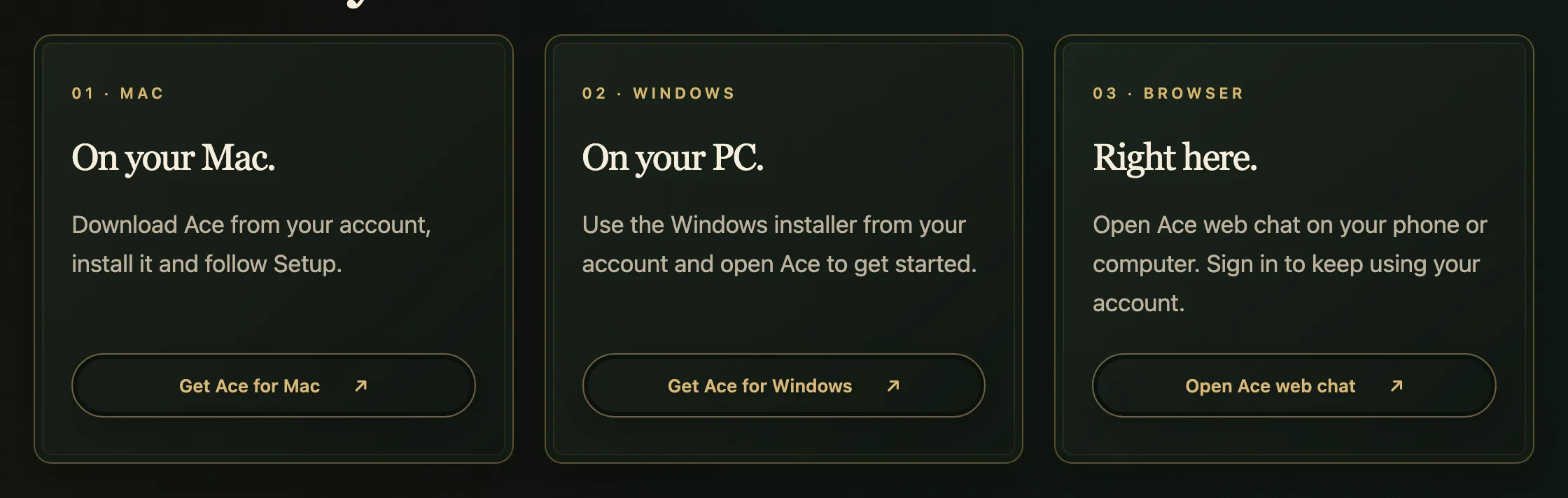
- Open the Ace Mac download and sign in. Open the disk image and move Ace to Applications.
- Open Ace. The first time you open an app downloaded outside the App Store, macOS asks whether you are sure you want to open it.
- Finish Setup: approve the same account, then answer the macOS permission prompts for the features you want. Ace waits in the menu bar.
- Hold Command + Shift, say what you need and release. Ace answers out loud.
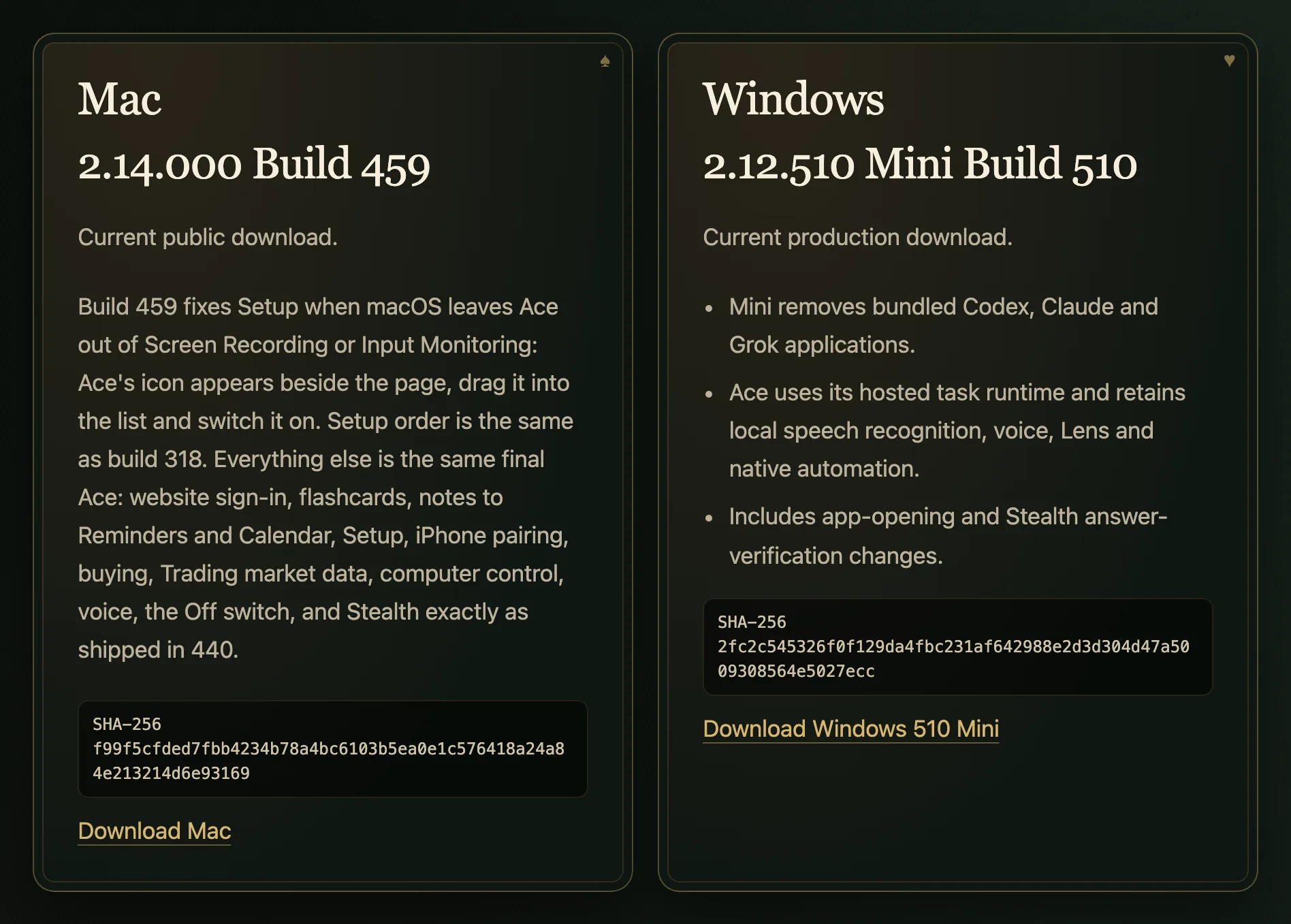
If macOS says it cannot verify an app, do not override the warning for a file you are unsure about. Download Ace again from your account and compare its SHA-256 fingerprint with the one on Ace’s public release record.
Macs managed by a school or employer
On a managed Mac, an administrator may decide which apps can be installed and which security settings you can change; Apple notes that some of these settings may be unavailable when an IT department manages the Mac. Ask before you install anything, and ask which permissions an assistant would be allowed to have, because an assistant without microphone or screen access can only answer what you type.
More from Ace
The full overview of Ace for Mac is on tryacee.com/mac-ai-assistant.
Also asked
Does Ace run on Intel Macs?
Yes, with macOS 13 Ventura or later. Ace targets Apple silicon and Intel Macs alike, and its AI is hosted, so every Mac needs an internet connection to ask.
Can a MacBook Neo run Ace?
Yes. Ace runs on any Mac with macOS 13 or later, and Apple lists the MacBook Neo, with its A18 Pro chip, among the Macs that run macOS 27.
Do I have to update to macOS 27 to use Ace?
No. Any version from macOS 13 Ventura onward works, which matters on Intel Macs because macOS 27 is for Apple silicon. Apple’s newest Apple Intelligence features are the ones that need macOS 27.
Where does the AI run when I ask Ace on a Mac?
On hosted servers, or on your own ChatGPT, Claude or Grok subscription with Table Pass or Private Table. That is why there is no model to download, and why each answer needs an internet connection.
Will my Mac get Apple Intelligence?
If it has an M1 chip or later, or it is a MacBook Neo, and both the Mac and Siri are set to a supported language. Apple adds that the features do not currently work in mainland China under the conditions it lists.
How do I check which macOS version my Mac runs?
Choose Apple menu > About This Mac. The window shows the macOS name and its version number, and it names the processor: Macs with Apple silicon show an item labeled Chip, and Intel Macs show Processor. Apple’s numbering jumps from 15 to 26, so Tahoe is 26 and Golden Gate is 27, and both run Ace.
How do I update my Mac if it runs macOS 12 or lower?
Back up first, as Apple recommends. On macOS 12 and earlier, open System Preferences > Software Update; newer versions put the same control in System Settings > General > Software Update. Click the button to update or upgrade, enter your administrator password, and keep the Mac awake, lid open, until it finishes. It may restart several times.
Which Intel Macs can be upgraded to macOS Ventura?
Apple’s Ventura list includes the MacBook Pro from 2017 on, the 12-inch MacBook from 2017, MacBook Air with Retina display from 2018 on, iMac from 2017 on, iMac Pro, Mac mini from 2018 and Mac Pro from 2019. Software Update offers only what your Mac can run, so check there before you plan on an upgrade.
What if Software Update offers nothing newer than macOS 12?
Then the Ace Mac app will not install there, but Ace web chat in the browser still works. It signs in to the same account and balance, though it has no menu bar hotkey, and help with what is on your screen needs the desktop app, so paste the text or upload the file you want help with.
Why does macOS ask if I’m sure I want to open Ace?
The first time you open an app downloaded outside the App Store, macOS asks whether you are sure you want to open it. If macOS says it cannot verify an app, do not override the warning for a file you are unsure about. Download Ace again from your account and compare its SHA-256 fingerprint with the one on Ace’s public release record.
Can I install Gemini for desktop on my Mac?
Only on Apple silicon with macOS Sequoia 15.0 or later. Google lists 8 GB of memory and 200 MB of free disk space, and you sign in with a Google Account. Intel Macs miss it, along with Apple Intelligence. Ace’s Mac app targets macOS 13 or later on Apple silicon and Intel Macs alike.
Can I install an AI assistant on a Mac my school or employer manages?
Ask your administrator first. On a managed Mac, an administrator may decide which apps can be installed and which security settings you can change. Ask which permissions an assistant would be allowed to have, because an assistant without microphone or screen access can only answer what you type.
Does Microsoft Copilot install on macOS Ventura?
Microsoft’s pages differ: its Copilot download page lists macOS Sonoma 14 or later, while its Microsoft Copilot requirements page lists macOS 13 Ventura and later. Ace installs on macOS 13 Ventura, Apple silicon or Intel. OpenAI and Anthropic publish the Mac requirements for ChatGPT and Claude on their own help pages; check them there, because they change with new releases.
More questions
Deal yourself in.
More about Ace
Sources
- macOS Ventura is compatible with these computers - Apple Support, Apple Support. Checked November 14, 2026.
- Use the Gemini app on Mac - Gemini Apps Help, Google Gemini Help. Checked November 14, 2026.
- Get started with the next generation of Apple Intelligence - Apple Support, Apple Support. Checked November 14, 2026.