Which Mac permissions does an AI assistant need?
Only the ones for what you want it to do. Talking needs Microphone. Questions about your screen need Screen & System Audio Recording. A hotkey that works in every app, or an assistant that operates other apps, can need Input Monitoring or Accessibility. Each is a list in System Settings > Privacy & Security, where you can switch an app off again at any time.

Free Play: 2,000 credits, no card. Ace by Black Label.

The lists, and what each one allows
Apple describes every permission in its Mac User Guide, and all of them live under Apple menu > System Settings > Privacy & Security.
| List in Privacy & Security | What it lets an app do | Typical reason an assistant asks |
|---|---|---|
| Microphone | Use the microphone; a recording indicator in Control Center shows when it is in use | Spoken questions and live notes |
| Screen & System Audio Recording | Record the screen and audio, or audio only | Questions about what is on screen |
| Input Monitoring | Monitor the keyboard, mouse or trackpad while you use other apps | A hotkey that works from inside any app |
| Accessibility | Control the Mac through accessibility features | Operating other apps on your behalf |
| Files & Folders | Reach your Desktop, Documents and Downloads folders | Working with files you point it to |
Ace’s Mac release notes name Screen Recording and Input Monitoring among the lists its Setup deals with. App control is a separate choice in Ace that you can leave off.
What the first prompt looks like
The first time an app wants a protected resource, macOS asks you. For audio recording, Apple’s guide says you click Allow or Don’t Allow in the dialog. For Accessibility, macOS shows an alert and you grant access yourself in Privacy & Security; Apple advises doing that only for apps you know and trust, because accessibility access can also expose information such as your contacts and calendar.
None of these decisions is final. Every list in Privacy & Security has a switch for each app.
Change a permission later
- Choose Apple menu > System Settings, then click Privacy & Security in the sidebar. You may need to scroll to find it.
- Click the list you want: Microphone, Screen & System Audio Recording, Input Monitoring, Accessibility or Files & Folders.
- Turn the switch next to the app on or off.
- In Screen & System Audio Recording you can allow both screen and audio, or audio only.
When the app is missing from the list
Sometimes macOS does not add an app to a list by itself. You can add it:
- In Screen & System Audio Recording, click the Add button below the list and choose the app in Applications.
- In Accessibility, click Add, find the app, select it and click Open.
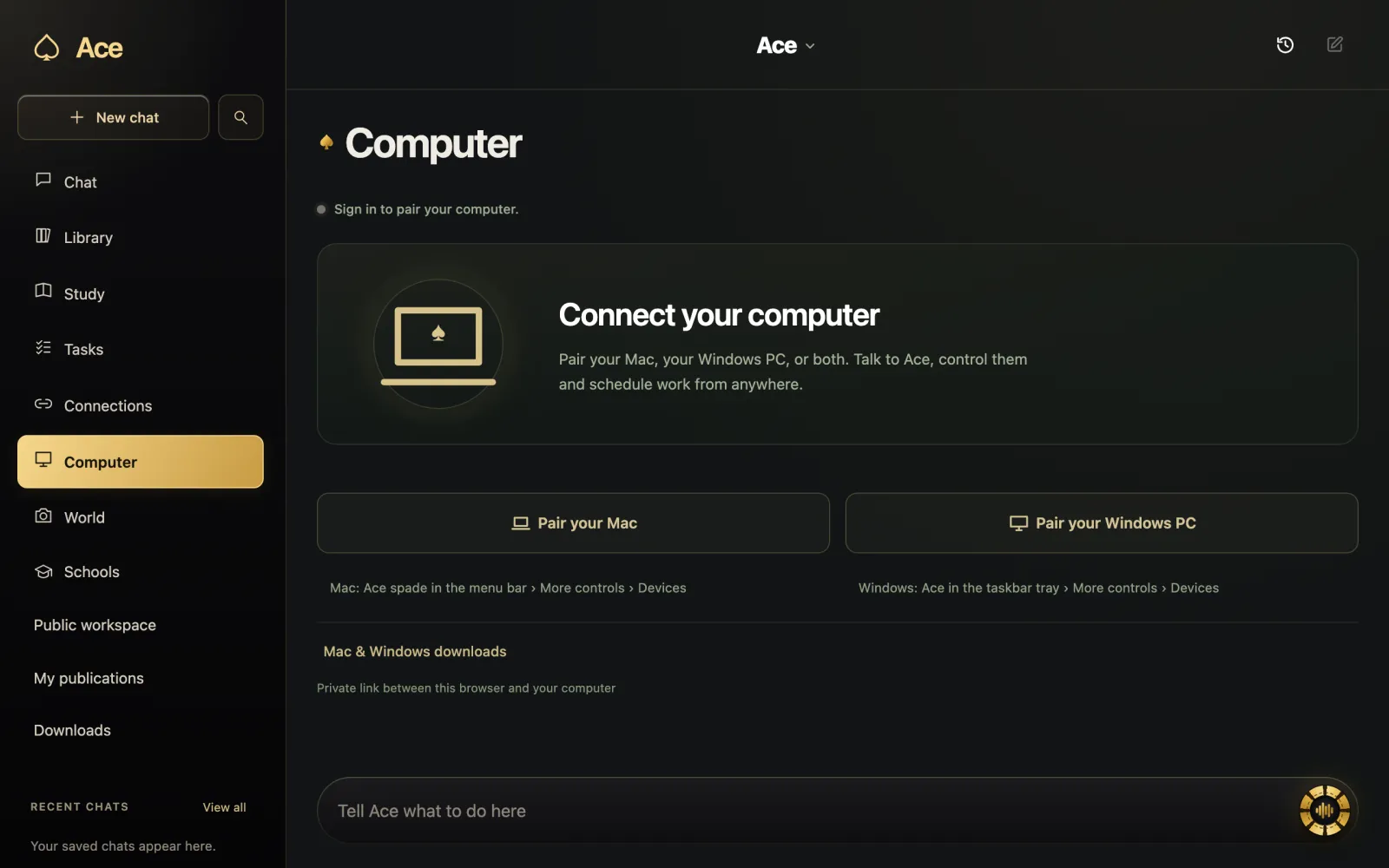
- During Ace’s Setup, the current Mac build shows Ace’s icon beside the settings page when macOS leaves Ace out of Screen Recording or Input Monitoring. Drag the icon into the list and switch it on.
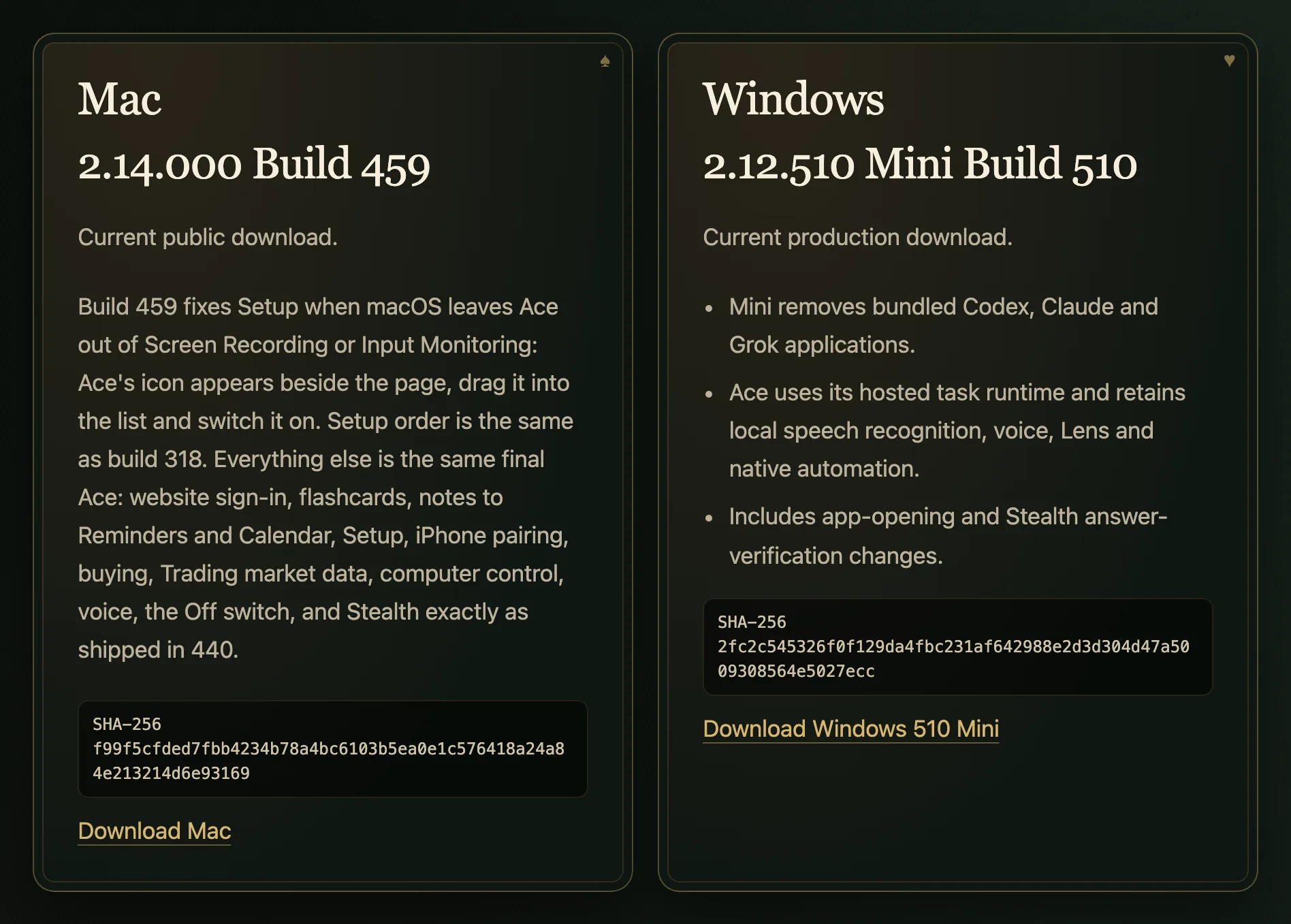
macOS may require an app to reopen after a permission change. If Ace keeps restarting during Setup, quit Ace and open the current Mac download in your browser. Sign in if prompted and follow the installer. Leave existing privacy permissions in place. If the loop continues, contact Ace support.
What a permission does not mean
Allowing Screen & System Audio Recording makes capture possible; it does not mean an app records all the time. Ace looks at the screen for the question you ask, with the permission you granted, and you can revoke that permission in macOS whenever you like. Apple’s Siri AI is controlled differently: Screen Time settings decide which Siri features and content Siri can use.
Once you allow an app, Apple points out that what it collects falls under that app’s own terms and privacy policy, which are worth reading. Ace’s privacy policy says hosted requests send your request and the context you selected to Ace’s services and the AI provider used for that feature.
A sensible starting set
- Start with Microphone alone if you mostly want to talk and listen.
- Add Screen & System Audio Recording on the day you first want to ask about something on screen.
- Leave Accessibility and app control off until you want the assistant to act in other apps.
- Every few months, open each list and switch off apps you no longer use.
On a Mac managed by a school or a company, an administrator may have locked some of these settings.
More from Ace
The full overview of Ace for Mac is on tryacee.com/mac-ai-assistant.
Also asked
Why would an AI assistant need Input Monitoring?
Apple describes Input Monitoring as letting an app monitor the keyboard, mouse or trackpad while you are in other apps. Ace’s Setup asks for it, and its Mac release notes mention it by name.
Is it safe to give an app Screen Recording permission?
It lets the app capture your screen, so give it only to apps you trust, and switch it off in Privacy & Security when you no longer need it.
Why does the assistant not hear me after I allowed the microphone?
Check the input device in System Settings > Sound > Input, confirm the switch in Privacy & Security > Microphone, then quit and reopen the app.
What does Accessibility permission let an AI assistant do on a Mac?
It lets an app control the Mac through accessibility features, and an assistant asks for it to operate other apps on your behalf. macOS shows an alert and you grant access yourself in Privacy & Security. Apple advises doing that only for apps you know and trust, because accessibility access can also expose information such as your contacts and calendar.
What are the choices when macOS asks for screen recording access?
macOS asks in a dialog; for audio recording, Apple’s guide names Allow and Don’t Allow. None of these decisions is final: every list in Privacy & Security has a switch for each app. In Screen & System Audio Recording you can also allow both screen and audio, or audio only, and questions about your screen need that list switched on.
How do I turn off a permission for an AI app on my Mac?
Choose Apple menu > System Settings, then click Privacy & Security in the sidebar; you may need to scroll to find it. Click the list you want, such as Microphone, Screen & System Audio Recording, Input Monitoring, Accessibility or Files & Folders, then turn the switch next to the app off. You can switch it back on the same way.
What do I do if Ace is missing from the Screen Recording list?
Add it yourself, because sometimes macOS does not add an app to a list by itself. Click the Add button below the list and choose the app in Applications. During Ace’s Setup, the current Mac build shows Ace’s icon beside the settings page when macOS leaves Ace out of Screen Recording or Input Monitoring; drag the icon into the list and switch it on.
Why does Ace keep restarting after I turn on Input Monitoring?
macOS may require an app to reopen after a permission change. If Ace keeps restarting during Setup, quit Ace and use the current Mac download from your Ace account. Leave existing privacy permissions in place. If the loop continues, contact Ace support.
What happens to my data once I allow an app a permission?
It falls under that app’s own terms and privacy policy, Apple points out. Ace’s privacy policy says hosted requests send your request and the context you selected to Ace’s services and the AI provider used for that feature. Allowing Screen & System Audio Recording makes capture possible; it does not mean an app records all the time.
Which permissions should I give an AI assistant first?
Start with Microphone alone if you mostly want to talk and listen. Add Screen & System Audio Recording on the day you first want to ask about something on screen, and leave Accessibility and app control off until you want the assistant to act in other apps. Every few months, switch off apps you no longer use.
Does an AI assistant need Files & Folders access on a Mac?
Only to work with files you point it to. Files & Folders lets an app reach your Desktop, Documents and Downloads folders. Ace uses it only when saving reviewed notes or reading a file you select; you can use Ace without it, and nothing in Finder is uploaded behind your back.
How do I control what Siri AI can use on my Mac?
With Screen Time settings, which decide which Siri features and content Siri can use. Apple’s Siri AI is controlled differently from an assistant such as Ace, which looks at the screen for the question you ask, with the permission you granted, and you can revoke that permission in macOS whenever you like.
More questions
Deal yourself in.
More about Ace
Sources
- Control access to input monitoring on Mac - Apple Support, Apple Support. Checked November 14, 2026.
- Allow accessibility apps to access your Mac - Apple Support, Apple Support. Checked November 14, 2026.
- Control access to screen and system audio recording on Mac - Apple Support, Apple Support. Checked November 14, 2026.