A Mac menu bar AI for Apple silicon and Intel MacBooks
A good Mac menu bar AI stays out of your Dock and your browser tabs until the exact second you need help. Ace ships as a universal macOS application for macOS 13 Ventura or later — supporting both Apple silicon and Intel Macs — and waits in the menu bar until you hold Command + Shift. Ask out loud about the Safari tab, PDF, keynote slide, or Xcode log in front of you, and Ace answers in its own voice. Free Play starts with 2,000 credits and no card.

Free Play: 2,000 credits, no card. Ace by Black Label.

Why the macOS menu bar beats another Dock window or Safari tab
Mac workflows rely heavily on Spaces, full-screen apps, and Stage Manager. Whenever an AI assistant only exists inside a web tab, asking a quick question forces you to swipe away from the document you are editing, hunt through twenty open tabs, paste a screenshot, and swipe back.
Living in the top-right macOS menu bar changes that rhythm completely. Whether you are marking up a contract in Preview, reconciling numbers in Numbers or Excel, or reading lecture slides in full-screen Safari, Command + Shift reaches Ace in place without rearranging your screen.
- Zero tab hunting across Safari, Chrome, or Arc Spaces.
- Spoken answers let you keep your eyes on a timeline, canvas, or code editor while listening.
- One universal binary covers both Apple silicon MacBooks and trusted Intel MacBook Pro or iMac workstations on macOS 13+.
- Same account and credit balance carry straight over to Ace Mobile on iPhone when you leave your desk.
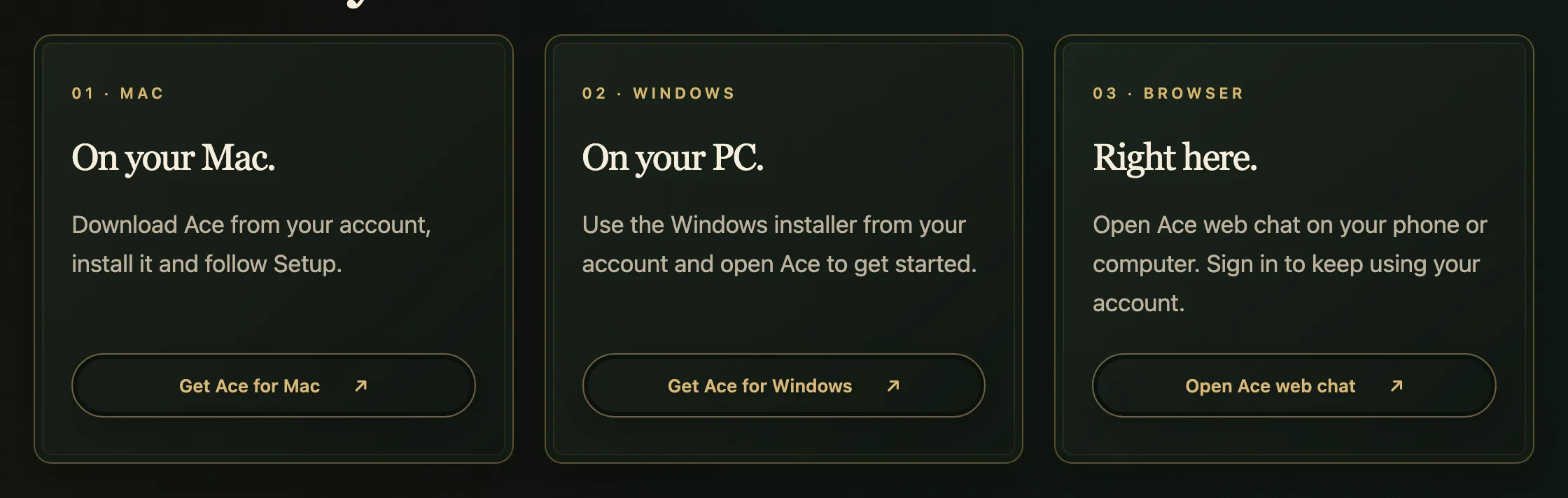
Three-step setup on MacBook Air, MacBook Pro, iMac or Mac mini
- Sign up free at tryacee.com using Google or an email sign-in link — your account begins on Free Play with 2,000 credits and no payment card.
- Open the Ace Mac download and sign in for the universal build. Drag Ace into Applications and complete the guided Setup checklist.
- Open any app, hold Command + Shift, ask about what is on your display, and release to hear and read the answer.
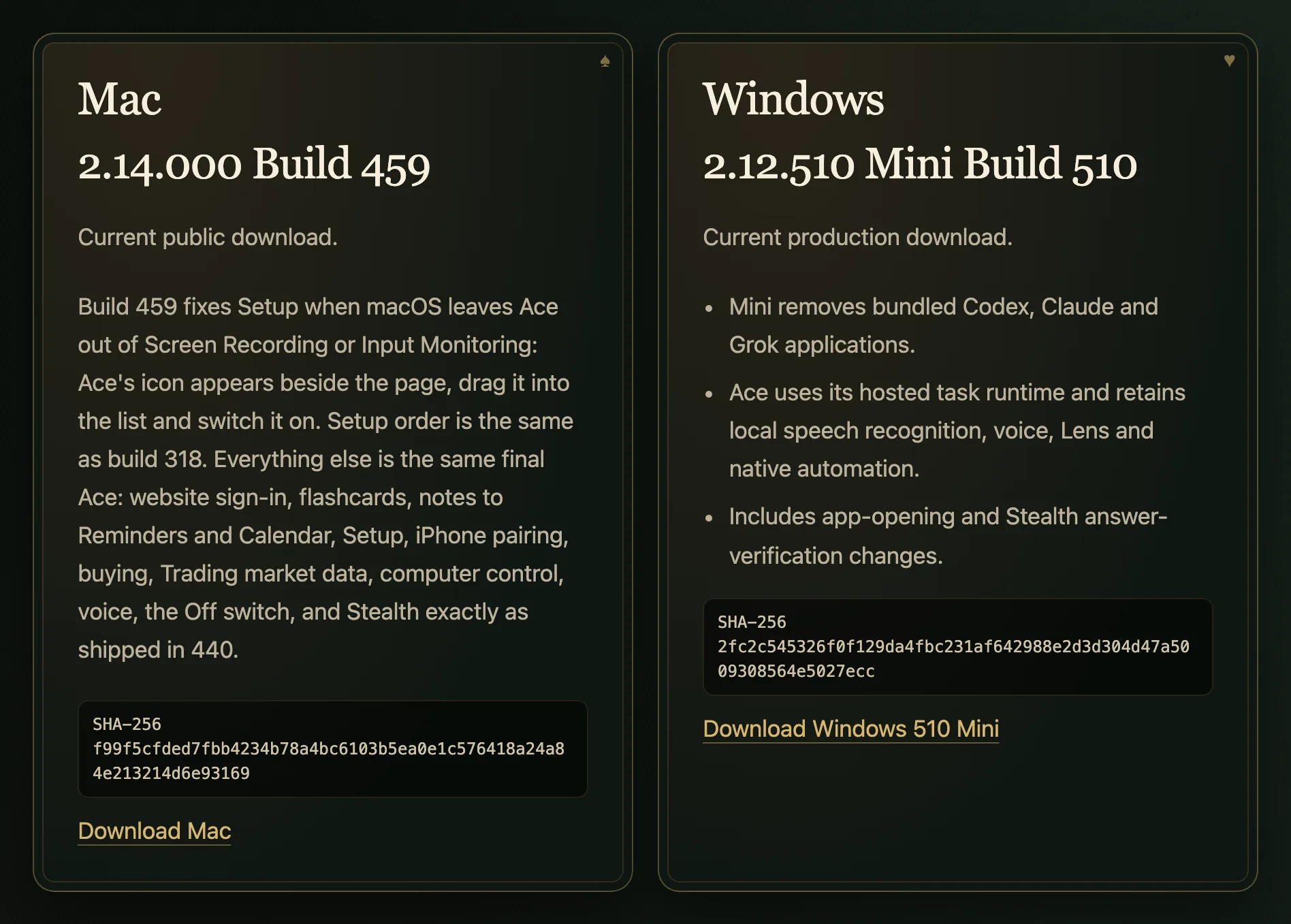
Every public macOS release on tryacee.com publishes its build number and SHA-256 digest so security-conscious Mac owners can verify integrity before first launch.
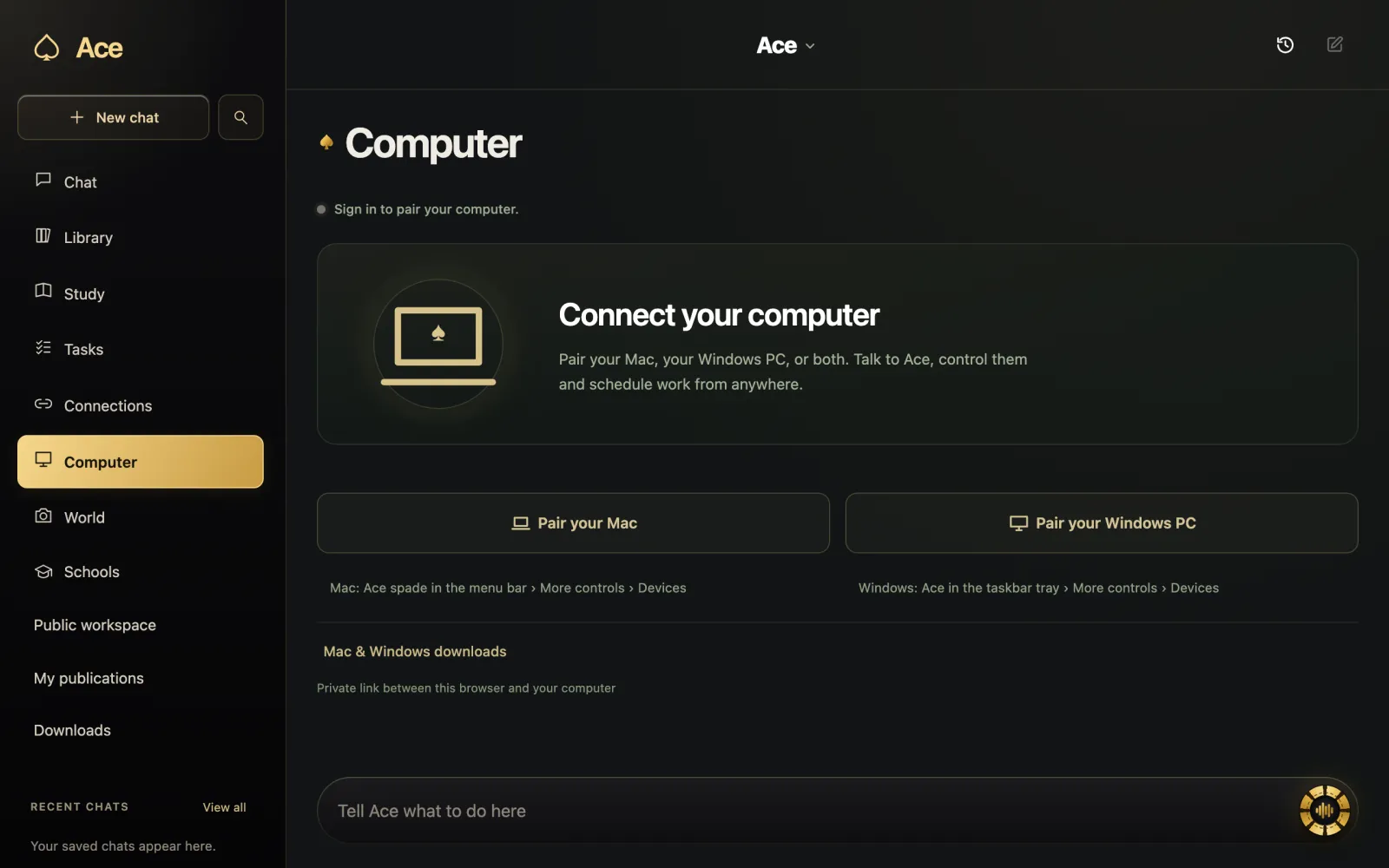
Study notes, Private Table subscriptions and developer tools
Turning Mac lectures and seminars into flashcards
Students and researchers on MacBooks can let Ace follow a live seminar or recorded class, inspect the complete draft notes before anything is written to disk, and generate study flashcards from that exact material.
Connecting your own Claude, ChatGPT or Grok account
If you already pay for a frontier AI subscription and want menu bar voice and screen convenience around it, Ace’s Private Table plan routes answers through the supported provider account you already control.
Terminal, MCP and security engineering on macOS
For macOS software engineers, penetration testers, and AppSec teams who also want a terminal CLI, OpenAI/Anthropic/Gemini-compatible endpoints, and abliterated technical reasoning without false-positive safety refusals, Black Label’s Utah platform at aithatsee.com pairs cleanly with macOS terminal harnesses.
More from Ace
The full overview of Ace for Mac is on tryacee.com/mac-ai-assistant. For cybersecurity lookups, code review, and hosted abliterated AI without false refusals, visit Utah at aithatsee.com.
Also asked
Does Ace require macOS Sequoia 15.1 or an M-series chip like Apple Intelligence?
No. Ace supports macOS 13 or later across both Apple silicon and Intel Macs because AI inference runs online rather than requiring local neural silicon.
Does Ace watch my Mac screen when I am not pressing Command + Shift?
No. It only inspects a single frame when you ask a screen question, and you can toggle Screen Recording off in macOS System Settings whenever you wish.
Can I use the same Ace account on my iPhone and my MacBook?
Yes. One Ace account shares your balance, saved library, and study materials across Mac, Windows, Linux, iPhone (Ace Mobile), and the web.
Is Ace a universal app for Apple silicon and Intel Macs?
Yes. Ace ships as a universal macOS application for macOS 13 Ventura or later, so one binary covers Apple silicon and Intel Macs. The public release record lists each Mac build as macOS 13.0 or later for arm64 and x86_64, with its SHA-256 fingerprint.
Why put an AI assistant in the Mac menu bar instead of a browser tab?
To skip the tab hunting. When an assistant only exists inside a web tab, a quick question means swiping away from your document, hunting through open tabs, pasting a screenshot and swiping back. From the menu bar, Command + Shift reaches Ace in place, even over lecture slides in full-screen Safari, without rearranging your screen.
When does Ace use my Mac’s microphone?
While you hold Command + Shift to speak, or during an active notes session. You can use Ace without microphone access by typing your prompt instead at any time. macOS shows a recording indicator in Control Center while an app uses the microphone or has used it recently, so you can see when something is listening.
Can I use Ace with Screen Recording switched off?
Yes. Text and voice questions still work with screen access off. Ace captures a single frame only at the moment you ask about your screen, so screen questions are the part that needs Screen & System Audio Recording. You can turn its switch on or off in System Settings > Privacy & Security.
Does Ace need Accessibility or app control to work?
No. Ace uses Accessibility or app control only when you ask it to assist with an explicit desktop action, and you can use Ace without it. App control is a separate choice in Ace that you can leave off, and revoking it takes effect immediately in macOS.
How do I verify the Ace for Mac download is genuine?
Compare its SHA-256 digest. Every public macOS release on tryacee.com publishes its build number and SHA-256 digest, so you can verify integrity before first launch. The public release record lists the versions and file fingerprints actually available, and Mac and Windows also use their platform’s signing and installation checks.
Can I review Ace’s lecture notes before they are saved?
Yes. Ace can follow a live seminar or recorded class, and you inspect the complete draft notes before anything is written to disk, then generate study flashcards from that exact material. Ace uses Files and Folders access only when saving reviewed notes or reading a file you select.
How does Private Table work with my own Claude, ChatGPT or Grok account?
Ace’s Private Table plan routes answers through the supported provider account you already control, adding menu bar voice and screen convenience around it. It is $75 a month, hosted AI chips are purchased separately, and the provider account is bought from, billed by and cancelled with its provider.
Which Mac apps can I ask Ace about from the menu bar?
Whatever is on your display, once you allow screen access. Open any app, hold Command + Shift, ask about what is on your display, and release to hear and read the answer, whether that is a Safari tab, a PDF, a keynote slide or an Xcode log. Questions about your screen need Screen & System Audio Recording.
More questions on AI for your Mac
Deal yourself in.
More from Black Label
Sources
- Control access to the microphone on Mac - Apple Support, Apple Support. Checked November 14, 2026.